

Smart electrical panel upgrades are being pitched by electricians and solar installers coast to coast—but do these expensive “smart breaker panels” really pay off for U.S. homeowners facing high electric bills and new electrification upgrades, or are they just tech buzzwords?
Key Takeaways
- Smart electrical panels give you circuit-level monitoring, automation, and the potential to maximize your savings if you have or plan to install solar, home batteries, or an EV.
- They’re a big investment—$5,000–$10,000 installed—so major savings depend on your home’s electrification and utility rates. Most benefits come from optimization, not just from monitoring.
- Choosing the right panel means understanding compatibility, installation realities, recurring app/support costs, and what certifications and safety standards truly matter.
Table of Contents
What Is a Smart Electrical Panel (and How Is It Different from a Regular Panel)?
Smart electrical panels—also called smart breaker panels or intelligent electric panels—are upgraded versions of your home’s main panelboard. Unlike traditional panels that simply distribute power and trip breakers during faults, smart panels add digital brains. They offer:
- Circuit-level monitoring—see appliance-by-appliance energy use in real-time through an app.
- Remote & automated control—turn on/off circuits remotely, set schedules, and automate loads for cost savings or backup.
- Integration with solar, batteries, and EVs—prioritize or shift loads based on your rooftop solar and storage status.
Terms like “smart electrical panel,” “smart breaker panel,” and “intelligent panel” are often used interchangeably in industry reports (see source), but all describe panels with communication, sensing, and control technologies for home electrification and automation.
This isn’t just hype: the smart electric panel market is estimated near USD 12.5 billion in 2024, with projections showing nearly double that ($25.2 billion) by 2034, reflecting a 7.3% CAGR.
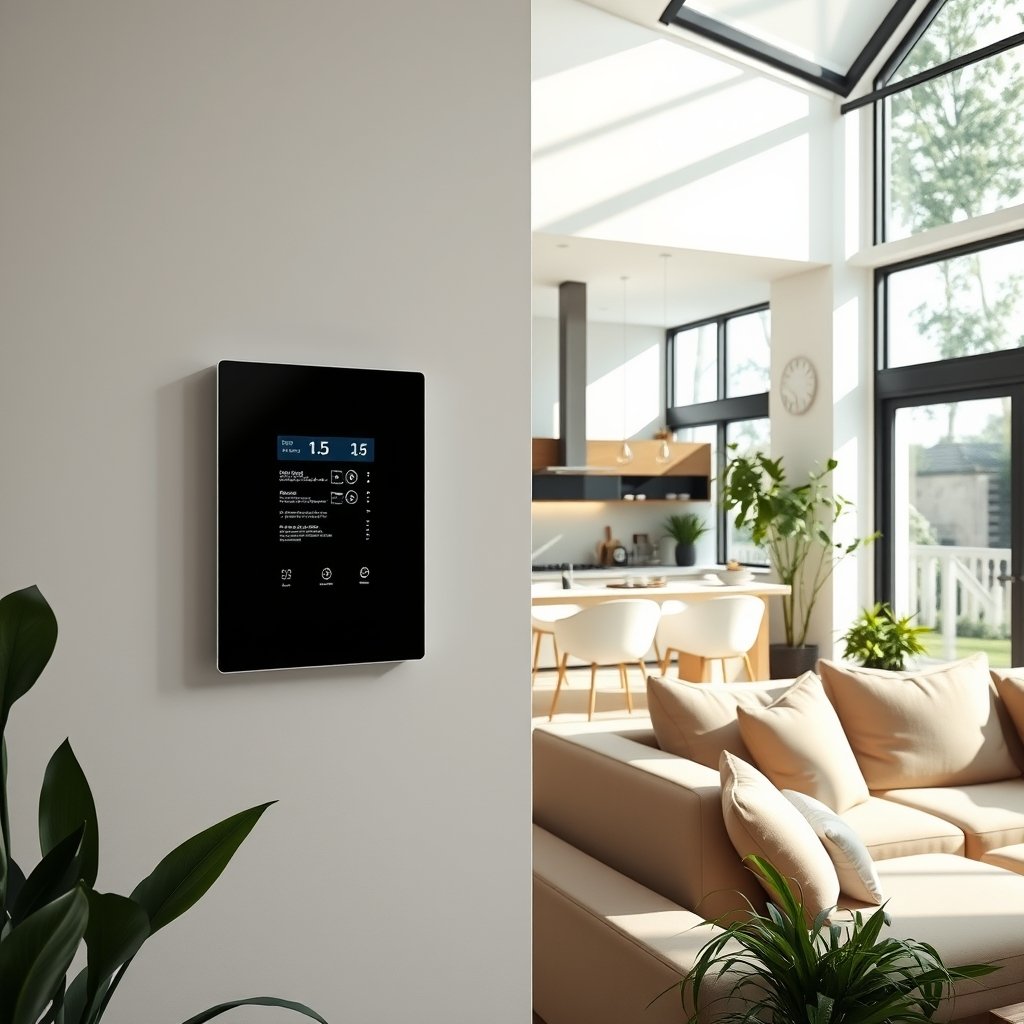
Why this growth now? More homes are installing EV chargers, adding rooftop solar, and thinking about battery backup—all of which require smarter energy management and flexibility than old-school panels can provide.
How to Decide, Buy, and Install: Step-by-Step for Homeowners
Ready to figure out if—and how—a smart panel fits your home’s needs? Here’s a step-by-step framework any U.S. homeowner can use.
- Assess your current and future loads. Are you planning to add an EV charger, rooftop solar, or a home battery? Is your home’s electrical service (100A, 150A, 200A+) already maxed?
- Understand your main motivator. Is it reducing electric bills by more than monitoring alone? Is it smarter backup protection during outages? Maximum comfort and future-proofing? Or ecosystem integration?
- Compare smart panel options. Decide if you need a full panel replacement (e.g. SPAN or Schneider Home Pulse) or just want to control a few select circuits (e.g. Lumin or Savant add-on modules).
- Get multiple quotes from certified electricians. Consult installers who have actually installed your shortlist of panels. Many homeowners report delays from lack of brand-specific experience.
- Check local permitting, code, and compatibility needs. Smart panels are full, code-compliant electrical upgrades. Permitting and inspection are required, and coordination with any planned solar/storage is crucial.
- Review all costs: hardware, install, and recurring fees. Hardware can run from $2,500 to $3,500 (up to $10,000 installed), plus possible service upgrades and permits. Watch for app subscription fees, though most basics are included.
- Review the warranty and future support policy. How long will your vendor guarantee firmware updates, repair parts, or cloud access? This is a real but often unaddressed concern in newer brands.
- Plan your installation and minimize disruption. Schedule power-off time strategically and consider bundling this with other electrical work (EV, solar, batteries, etc).
- Set up smart panel app and test integrations. Once installed, configure your circuits, automation rules, and test with any solar, storage, or smart home system integrations.
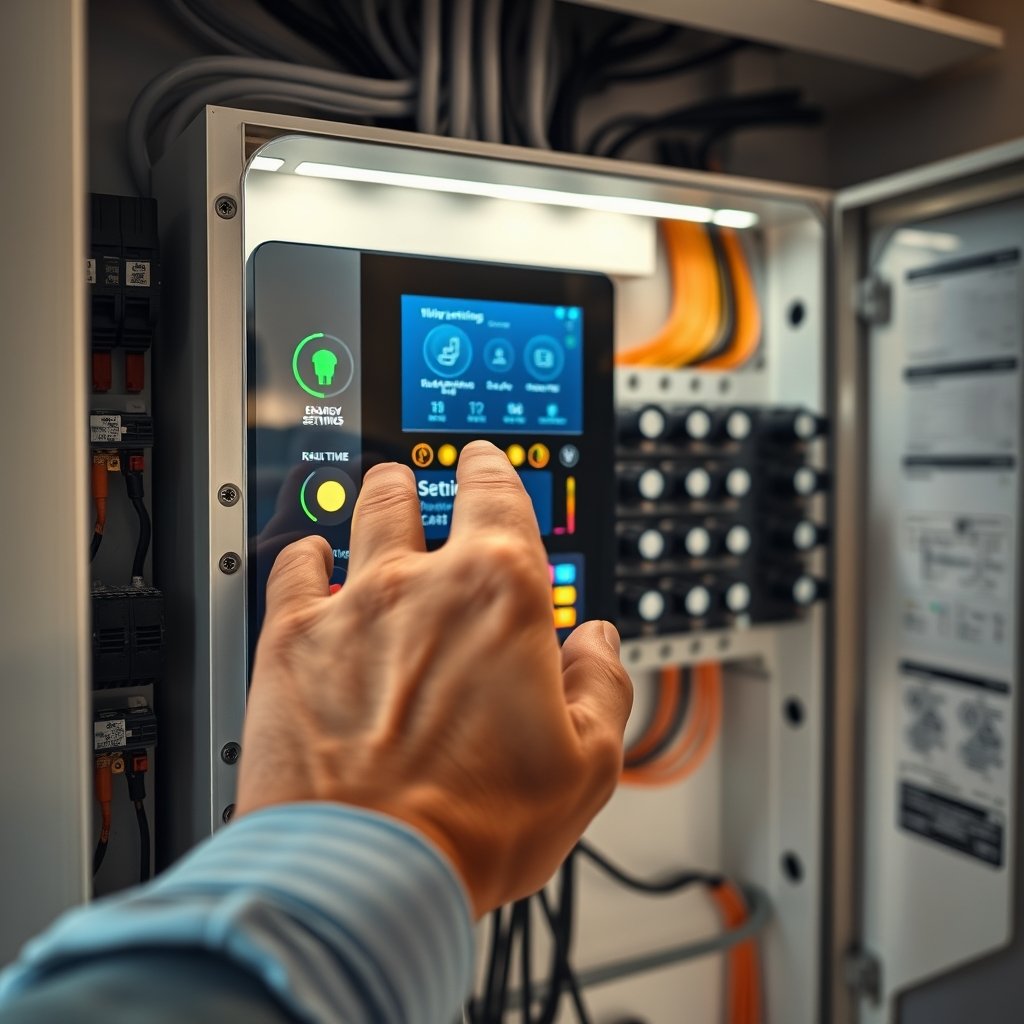
For the full system approach, deep-dive brand comparisons (SPAN, Schneider, ABB, etc.) are crucial. Not every system offers the same circuit coverage, integrations, or price point. Always verify with your installer that the panel is compatible with any home energy monitoring panel, battery, or EV you already have—or hope to add.
Want more home upgrades? You may also be interested in the best electric blinds for smarter, more efficient windows or this practical guide to solar battery storage for backup and savings.
Advanced Analysis & Common Pitfalls—Pain Points, Costs, and Real-World Brand Comparisons
The promise of smart panels is huge—but so are the prices, install headaches, and pitfalls. Here’s what every practical homeowner should know:
Real-World Pros and Cons After Upgrading
- What owners like: Circuit-by-circuit visibility (know what’s drawing power), remote/off-peak scheduling, smarter backup prioritization during outages, and easier integration with new tech like rooftop solar.
- What many complain about: Very high all-in costs (SPAN: ~$10,000 installed, Lumin: ~$5,000), installation complexity, app learning curve, and partial circuit coverage with some brands or add-ons (Lumin covers just 12 circuits out of a whole panel).
- Connectivity weak spots: Reliance on home Wi-Fi/cloud means features can fail if internet is down or the manufacturer changes service terms.
- Lack of concrete utility bill savings data: There’s no robust, independent % energy savings published—your savings depend on local rates, your system, and how you use the panel. Most homeowners with only monitoring (no automation) see small impact.
- Unknown long-term reliability: SPAN and other new brands are still unproven for 15+ years of lifecycle, and “who supports my panel if the company folds?” is a real consideration.
Side-by-Side Brand Comparison
| Brand | Type | Circuits Controlled | Hardware Price | Installed Cost | Integrations | Drawbacks |
|---|---|---|---|---|---|---|
| SPAN (Panel 2) | Full panel replacement | All circuits | $3,500 | Up to $10,000 | Solar, batteries, EVs | Cost, new tech unknowns |
| Lumin | Add-on box | Up to 12 | $2,500 | Up to $5,000 | Solar batteries, ABB ReliaHome | Not all circuits covered |
| Schneider Home Pulse | Full panel replacement | All (with Wiser add-ons) | $2,999 | Similar to others | Schneider EV, battery, solar | Extra modules for each circuit |
| Savant Modules | Add-on modules | Per module ($120–$240 ea) | Varies; $120–$240/module | Varies | Savant smart home, automation | Extra module/breaker space |
| ABB ReliaHome | Panel + Lumin integration | Lumin’s ~12 default | Not listed | Not listed | Solar, battery, load management | Brand new, unknown reliability |
Common Pitfalls & Information Gaps
- No clear ROI data: Even leading reviews skip actual payback period math. Don’t expect huge bill reductions without heavy electrification and time-of-use billing.
- Long-term support and repairs are a question mark for newer brands; ask about warranty, app support, and what happens in 10+ years.
- Codes & certifications: All panels claim “code compliant” but be sure your choice lists UL 67, UL 50/50E for residential, AFCI/GFCI where required, and National Electrical Code compliance. Ask your installer to name them in writing.
- App lock-in and integration: Be aware you might get stuck in a single-brand platform for app access, and adding new equipment from other brands later isn’t always smooth.
- Partial smart coverage: Lumin, Savant, and others “smarten” only some circuits unless you pay more—get clarity up front on what’s actually being controlled and monitored.
For a deeper dive into smart home security, check out this guide to home security automation or learn the best ways to secure your home’s entrances with smart camera security.

Conclusion: Should You Upgrade to a Smart Electrical Panel?
Smart electrical panels are a big leap from basic breaker boxes, offering advanced monitoring, automation, and seamless upgrades for solar, storage, and EVs. But with costs running $5,000–$10,000 installed, they’re not a one-size-fits-all solution—and most homeowners will only see real savings if they’re already investing in electrified systems, planning for backup power, or want maximum future-proofing. Ask direct questions about long-term support, true total costs, and what’s really controlled before you buy. If you do upgrade, you’ll likely get a panel built for the next two decades of electric tech—and if not, watch the market as prices fall and features improve.
Thinking about a smart electrical panel? Start by mapping your needs, future-proofing plans, and budget. Get at least two quotes, ask about certifications, and always confirm the app and integrations before committing.
Want to maximize your entire home? Explore clever storage with maximize storage in limited spaces for small spaces.
Frequently Asked Questions
Will a smart electrical panel actually lower my energy bill?
Not dramatically on its own. The largest bill reductions come when you pair smart panels with load shifting, time-of-use rates, solar, or batteries. Real-world data on average savings is still limited; most benefit comes from automation, not just monitoring.
Do I have to replace my entire panel to get smart features?
No. Some products like Lumin and Savant let you “smarten” select circuits in your existing panel. This is cheaper but won’t cover every load.
Is a smart panel worth it if I don’t have solar or an EV?
Maybe not. If your home is all-electric or you plan to add solar, batteries, or an EV soon, a smart panel is more likely to pay off and streamline your upgrades. Otherwise, lower-cost monitoring-only options may make more sense.
What do I ask my installer before buying?
Key questions: Which exact UL/NRTL code standards does the panel meet? Does the price include all installation, permits, and service upgrades? What happens if the company stops supporting the panel’s app?
Are there monthly or annual subscription fees?
Most brands include base app monitoring for free, but enhanced analytics or cloud features could be extra. Always clarify any ongoing fee structure with the vendor or installer before signing off.
—
### Products to Insert
**Product 1:**
* Product Idea: Over-the-Door Hanging Organizer
* Amazon Affiliate Link: https://www.amazon.com/s?k=Over-the-Door+Hanging+Organizer&tag=
* Insertion Keyword Phrase: maximize storage in limited spaces
**Product 2:**
* Product Idea: Adjustable Expandable Under Sink Shelf
* Amazon Affiliate Link: https://www.amazon.com/s?k=Adjustable+Expandable+Under+Sink+Shelf&tag=
* Insertion Keyword Phrase: organizing bathroom essentials
**Product 3:**
* Product Idea: Cordless Rechargeable Handheld Vacuum Cleaner
* Amazon Affiliate Link: https://www.amazon.com/s?k=Cordless+Rechargeable+Handheld+Vacuum+Cleaner&tag=
* Insertion Keyword Phrase: quickly clean up small messes
**Product 4:**
* Product Idea: Multi-Purpose Furniture Lifting Tool Set
* Amazon Affiliate Link: https://www.amazon.com/s?k=Multi-Purpose+Furniture+Lifting+Tool+Set&tag=
* Insertion Keyword Phrase: move heavy furniture by yourself
**Product 5:**
* Product Idea: Peel and Stick Removable Wallpaper
* Amazon Affiliate Link: https://www.amazon.com/s?k=Peel+and+Stick+Removable+Wallpaper&tag=
* Insertion Keyword Phrase: refresh your walls without commitment